

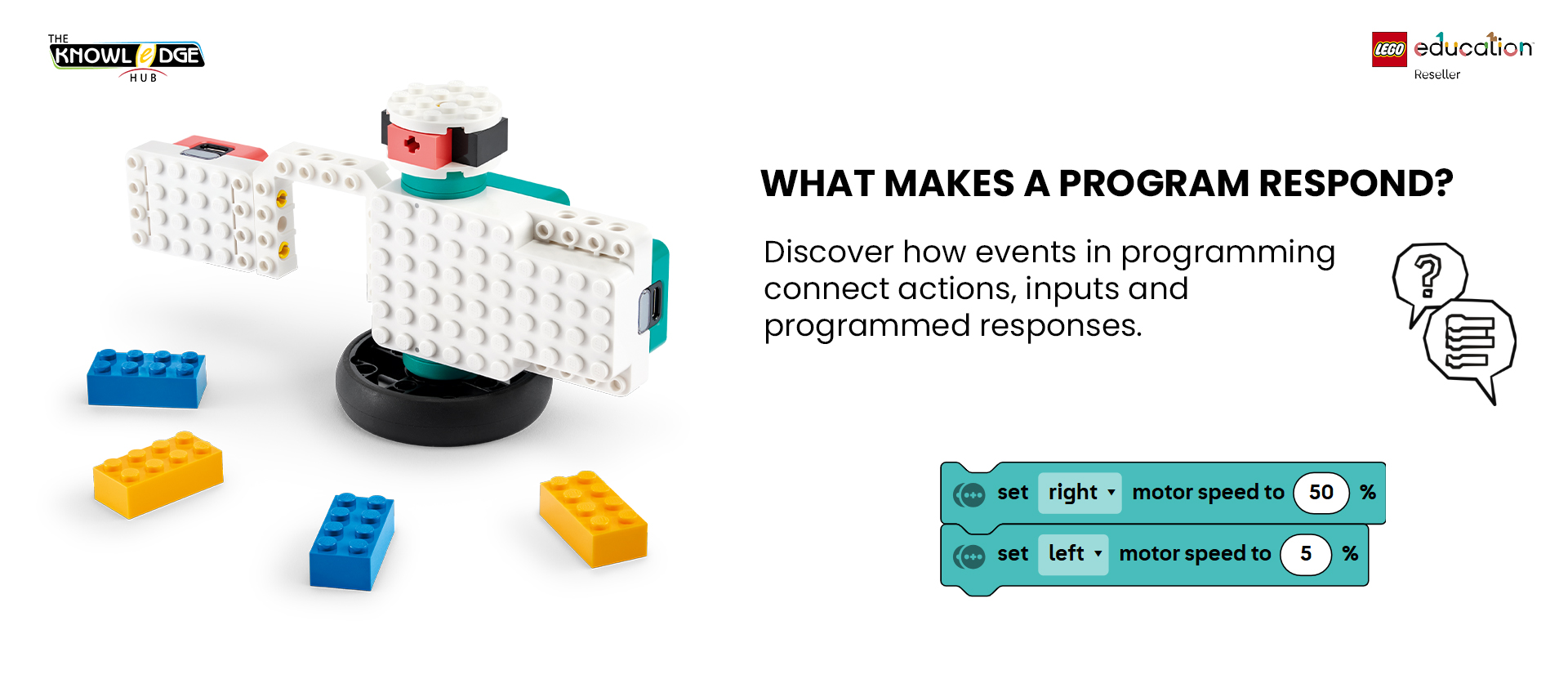
What happens when you press a button on a device, click an icon or move a character in a game? The program responds because it has been designed to recognise an action and carry out an instruction. In computer science, these actions are known as events in programming.
Events help programs respond to specific actions or occurrences. They are a key part of interactive applications, digital games, robotics and smart devices. When students understand events, they begin to see how software connects an input with an outcome—and how programmers design those interactions.
What Are Events in Programming?
An event is an action or occurrence that a program can detect and respond to. It might be a user pressing a button, clicking a screen, entering information or a sensor detecting a change in the environment. When the event takes place, the program runs the instruction associated with it.
For example: WHEN a button is pressed, THEN a robot starts moving. The button press is the event; the robot’s movement is the programmed response. This simple cause-and-effect relationship is a useful starting point for understanding how interactive systems work.
How Does Event-Driven Programming Work?
Event-driven programming is an approach in which a program’s behaviour is influenced by events. A simple event-based process has three parts:
- Event: An action or occurrence takes place, such as a button press or sensor reading.
- Detection: The program recognises that the event has happened.
- Response: The program carries out the instruction linked to that event.
A program may be designed to respond to one event or several different events. For instance, one button could start a motor while another stops it. Students can change the instructions, test the outcome and observe how a small adjustment affects the program.
Common Types of Programming Events
Events can come from different sources. Common examples include:
- Button presses: A physical or on-screen button triggers an action, such as starting or stopping a device.
- User interactions: Mouse clicks, screen taps and keyboard inputs tell an application what the user wants to do.
- Sensor inputs: A motion, distance or other sensor detects a change and allows a system to respond to its surroundings.
- Programmed triggers: A condition or another instruction can initiate a new action within a program.
These examples help students recognise that computers and connected devices do not simply act on their own. Their responses depend on instructions created by people.
Why Should Students Learn About Events in Programming?
Learning about events introduces an important computer science concept while supporting skills that students can use across subjects. They practise logical thinking by identifying what should happen after an action. They develop problem-solving skills by deciding which instructions will produce the intended result. They also strengthen computational thinking by breaking a challenge into smaller, manageable steps.
Event-based activities can also encourage creativity and critical thinking. Students can design different responses, test whether their programs behave as expected, find errors and improve their solutions. This process helps them move from being technology users to understanding how interactive technology is created.
Explore Programming Through Hands-On Learning
Practical activities can make an abstract programming idea easier to understand. With LEGO® Education Computer Science & AI learning solutions, students can explore computer science concepts through structured, hands-on experiences. They can investigate how inputs and instructions work together, build or program interactive models, and observe the results of their decisions.
Schools can also explore the wider range of LEGO® Education solutions available for classroom learning. For educators connecting computer science with broader STEM topics, LEGO® Education Science Kits provide another route to practical investigation, experimentation and collaborative learning.
The value of these experiences is not limited to making something move. Students learn to predict an outcome, explain why it happened and refine their instructions when the result is different from what they expected.
From a Simple Action to an Interactive Experience
Events are part of everyday digital experiences, from opening an application to interacting with a robot. By learning how events in programming work, students build a foundation for exploring more complex computer science concepts and designing their own interactive projects.
The next time you press a button or activate a device, consider the programming behind the response: What event was detected, and what instruction told the system what to do?