

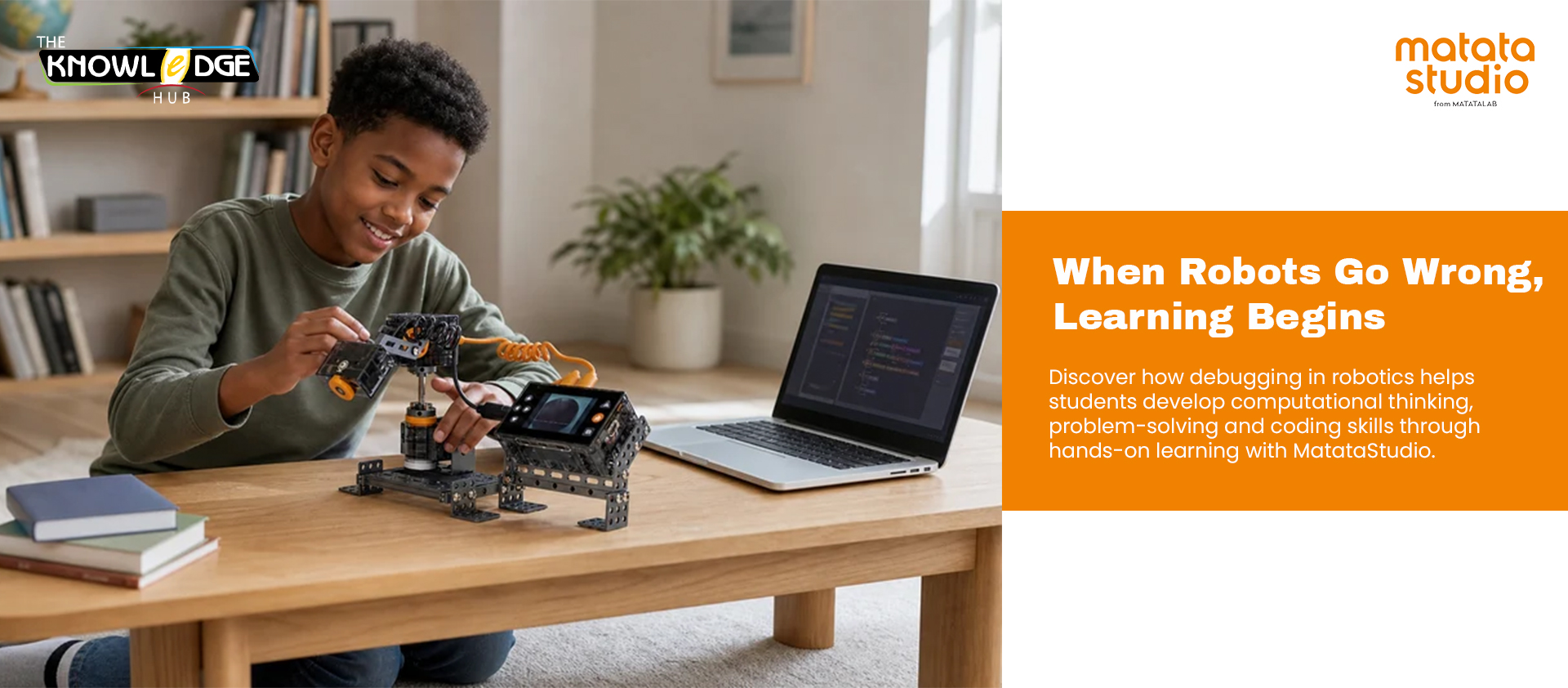
The robot didn’t follow the expected path.
The code didn’t work.
Now what?
For students learning coding and robotics, this moment can be more valuable than getting everything right on the first attempt.
Instead of simply giving students the correct answer, robotics creates opportunities to ask questions, investigate problems and try different solutions. This is where debugging in robotics becomes an important part of learning.
Debugging teaches students that mistakes are not necessarily failures. They are information that can help them understand what went wrong and what they can change.
What Is Debugging in Robotics?
Debugging is the process of identifying, understanding and fixing errors in a program or set of instructions.
In robotics, students may encounter a problem when:
- A robot moves in the wrong direction
- The robot stops before reaching its destination
- A sequence of commands produces an unexpected result
- The robot completes only part of the task
- The code works differently from what the student expected
Rather than simply correcting the code for them, teachers can encourage students to investigate the problem.
What instruction caused the error?
Was the sequence correct?
Did the robot receive the expected command?
What could be changed?
This process helps students develop a structured approach to problem-solving.
Why Debugging Matters for Computational Thinking
Debugging is closely connected to computational thinking, an essential skill for students growing up in a technology-driven world.
Computational thinking involves breaking problems into manageable steps, identifying patterns, creating logical solutions and evaluating whether those solutions work.
When students debug a robot, they naturally practise these skills.
They may first break the problem down into smaller parts. Then, they examine their instructions, identify where something went wrong, make a change and test the solution again.
This creates a simple but powerful cycle:
Plan → Code → Test → Identify → Modify → Test Again
Over time, students begin to approach problems more systematically rather than becoming frustrated when their first solution does not work.
Robotics Turns Mistakes Into Learning Opportunities
Traditional learning can sometimes make students hesitant to make mistakes.
Hands-on robotics can change that experience.
When a robot takes the wrong route, students can immediately see the result of their instructions. The mistake becomes visible, measurable and something they can investigate.
For example, a student may program a robot to travel from one point to another. If the robot turns too early, the student has an opportunity to review the sequence, identify the incorrect instruction and modify the program.
The goal is not simply to make the robot work.
The goal is to understand why it did not work in the first place.
This encourages curiosity, persistence and a willingness to experiment.
Developing Problem-Solving Skills Through Robotics
Debugging also helps students develop skills that extend beyond coding.
Students learn to:
- Analyse problems logically
- Pay attention to details
- Test different solutions
- Learn from mistakes
- Predict possible outcomes
- Explain their thinking
- Persist when a solution does not work
- Improve solutions through iteration
These are valuable skills across STEM learning and everyday problem-solving.
The more opportunities students have to experiment, test and improve, the more comfortable they can become with complex challenges.
How MatataStudio Supports Hands-On Debugging
Platforms such as MatataStudio can help bring these concepts into practical learning experiences.
With hands-on coding and robotics activities, students can create instructions, observe how their robot responds and make adjustments when the result is different from what they expected.
This creates a learning environment where coding is not just about writing instructions. Students can see the relationship between their decisions and the robot’s actions.
A teacher might challenge students to programme a robot to follow a particular route. If the robot takes a wrong turn, students can work through the debugging process themselves:
Check the instructions.
Find the mistake.
Make a change.
Test it again.
Through repeated practice, students can develop a stronger understanding of sequencing, logic, cause and effect, and computational thinking.
From “It Didn’t Work” to “Let’s Try Again”
One of the most valuable lessons robotics can teach is that the first solution does not always have to be the final solution.
When students learn to approach mistakes with curiosity, an unsuccessful attempt becomes the beginning of another investigation.
That mindset is at the heart of effective STEM education.
Debugging in robotics gives students the opportunity to become problem-solvers, not just code-followers. By experimenting with instructions, testing outcomes and improving their solutions, students learn that progress often comes through iteration.
Because sometimes, the best learning happens between:
“It didn’t work.”
and
“Let’s try again.”
MatataStudio can help schools create these hands-on opportunities, allowing students to explore coding, robotics, computational thinking and problem-solving through engaging, practical learning experiences.