

LEGO® Education Computer Science & AI Kit 3–5 (45521)
Classroom-ready CS & AI kit with 30 lessons plus Teacher Portal + Coding Canvas.
The full LEGO® Education CS & AI experience with 30 lessons
What’s in the kit
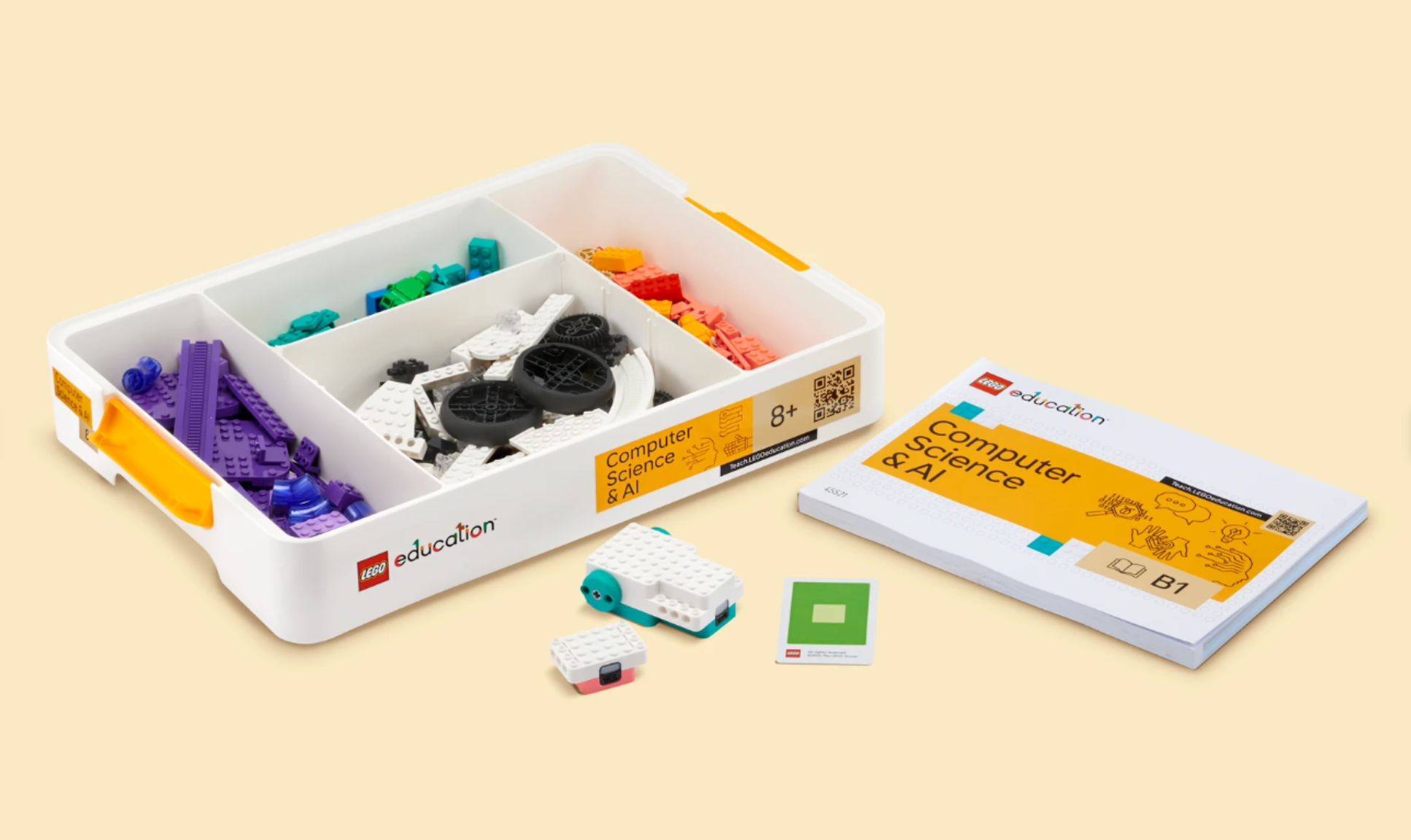
- 321 LEGO® bricks
- Building instructions
- Interactive hardware: 1 double motor, 1 color sensor
- 1 connection card, 1 USB charging cable, sturdy stackable box
Classroom Bundle contents (no pricing)
6 kits + 2 multi-chargers + 1 replacement pack of LEGO® bricks.
Teacher Portal resources
Safe AI learning
- Develops students’ AI literacy skills
- Safe, meaningful and creative experiences
- Supports AI learning progression
- AI-based computer vision features
- AI possibilities and challenges presented in an age-appropriate way
- Everything saved locally—no login or sharing of student data.
Coding Canvas
Block-based coding for all ages (icon and word), PIN access (no logins/passwords), projects saved locally; web app + iOS app.
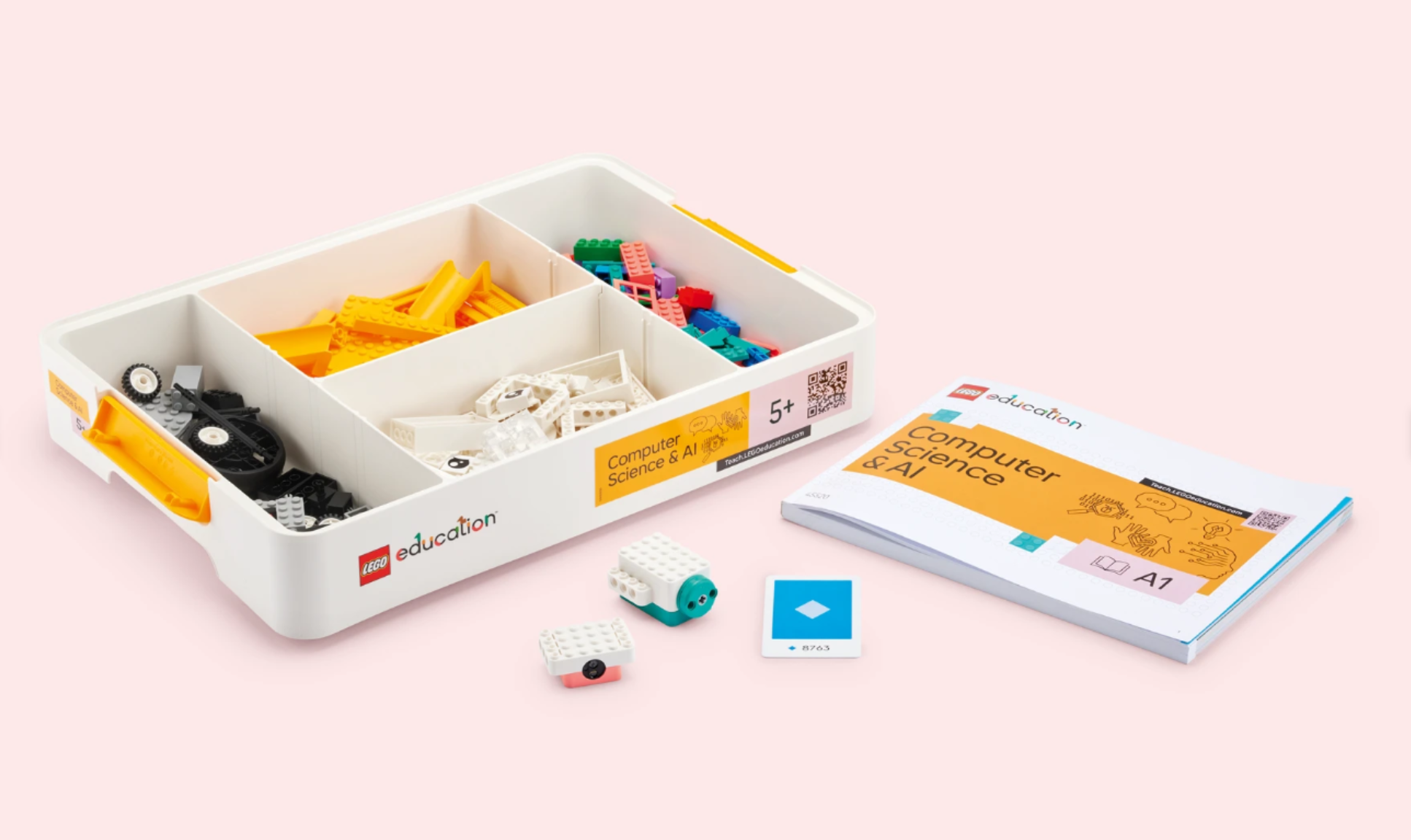
Computer Science & AI Kit K–2 (45520)
The full LEGO® Education CS & AI experience with 30 lessons.
- 276 LEGO® bricks; interactive hardware (1 single motor, 1 color sensor); connection card; USB charging cable; sturdy stackable box.
- Teacher Portal (units): Basics, Hardware, Events, Sequences, Loops, AI & Data.
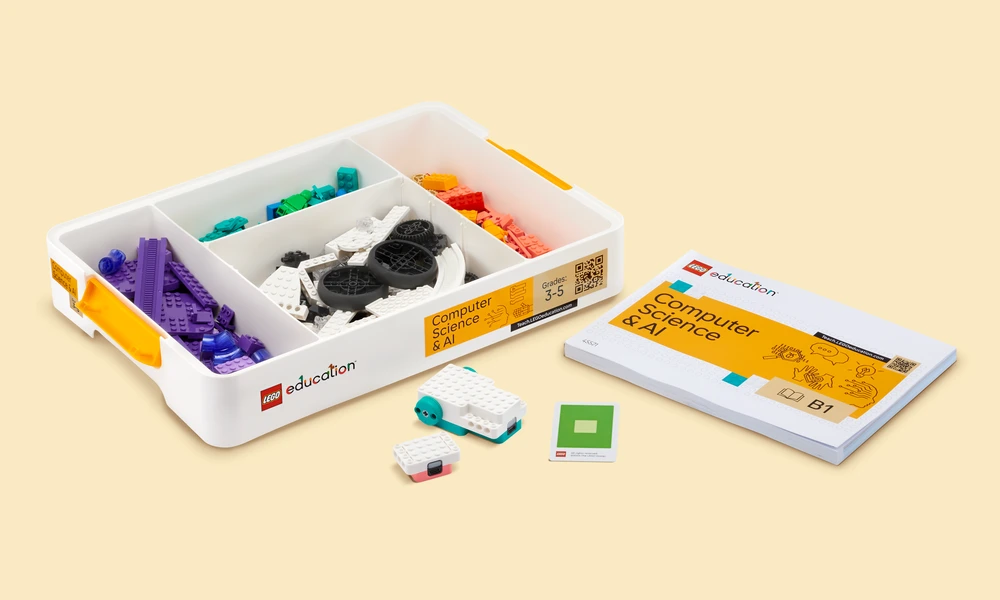
Computer Science & AI Kit 3–5 (45521)
Classroom-ready, standards-aligned Computer Science & AI kits for grades 3-5, designed to drive outcomes through hands-on learning.
- 321 LEGO® bricks; interactive hardware (1 double motor, 1 color sensor); connection card; USB charging cable; sturdy stackable box.
- Teacher Portal (units): Basics, Events, Loops, Conditionals, Variables, AI & Data.
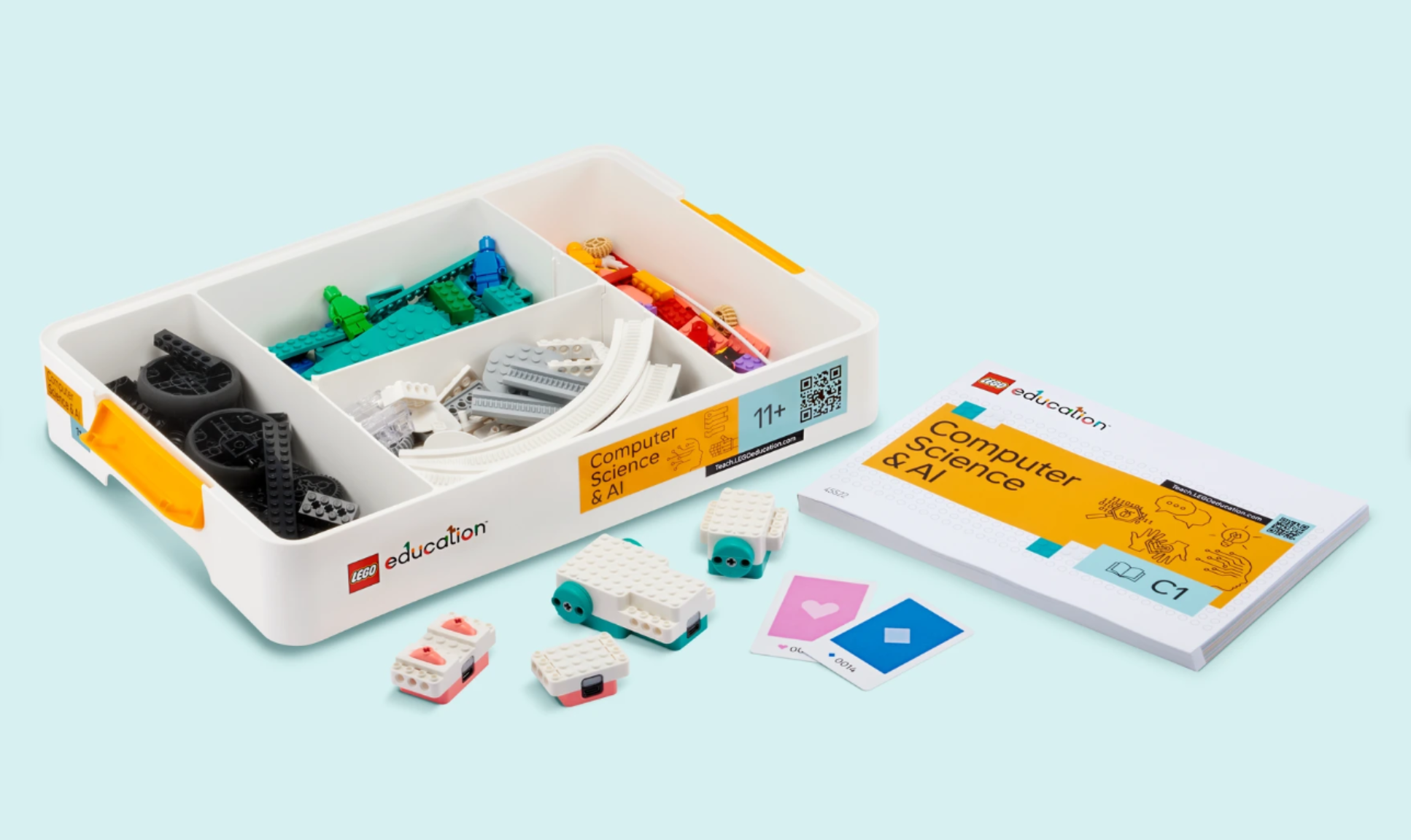
Computer Science & AI Kit 6–8 (45522)
Classroom-ready, standards-aligned Computer Science & AI kits for grades 6-8, designed to drive outcomes through hands-on learning.
- 379 LEGO® bricks; interactive hardware (double motor, single motor, color sensor, controller); 2 connection cards; USB charging cable; sturdy stackable box.
- Teacher Portal (units): Basics, Loops, Conditionals, Variables, Functions, AI & Data.
How it works in the classroom
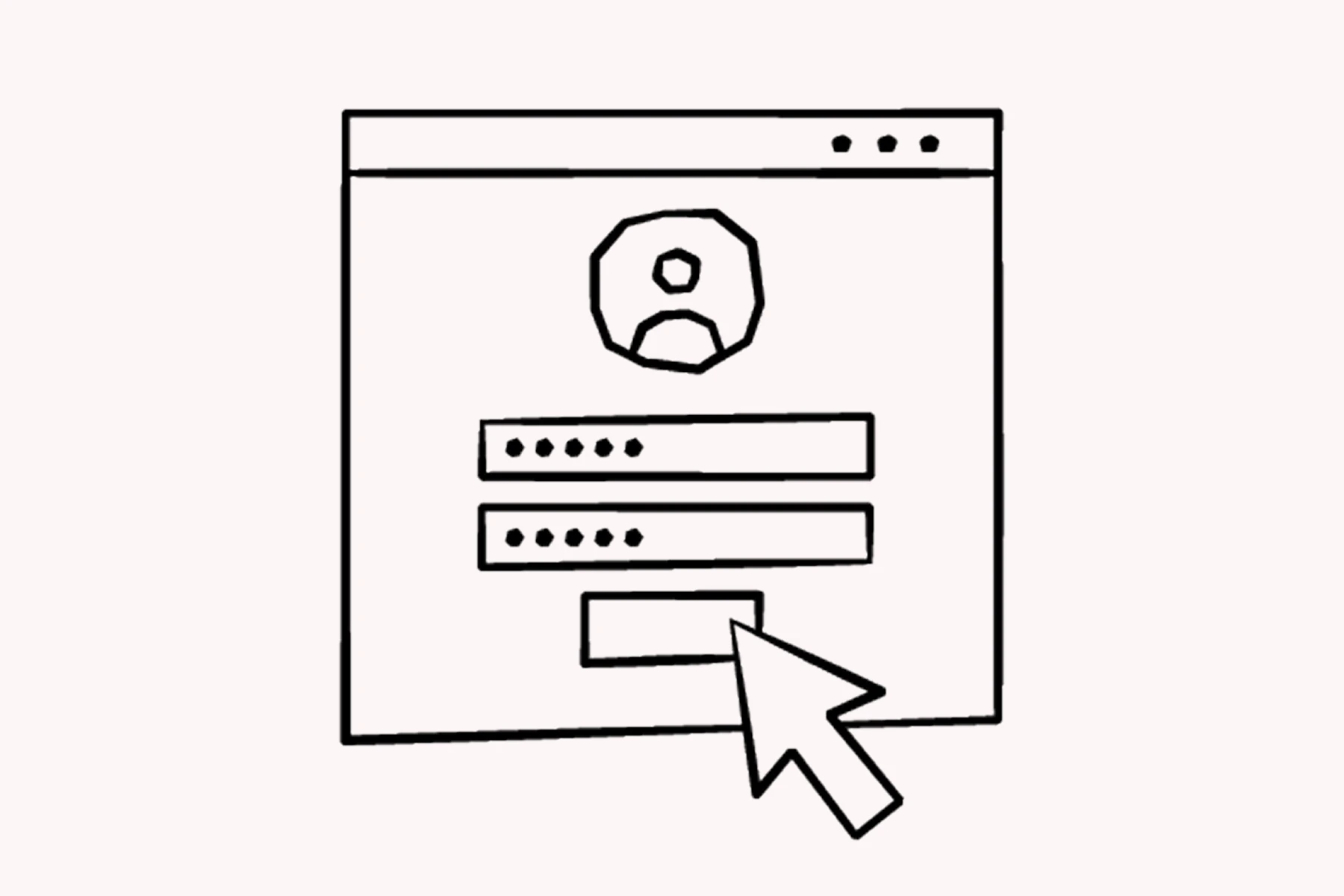
Step 1 — Sign up to the Teacher Portal
Sign up for a personalized experience, showing only the most relevant lessons tailored to your grade level and your state’s or country’s curriculum.
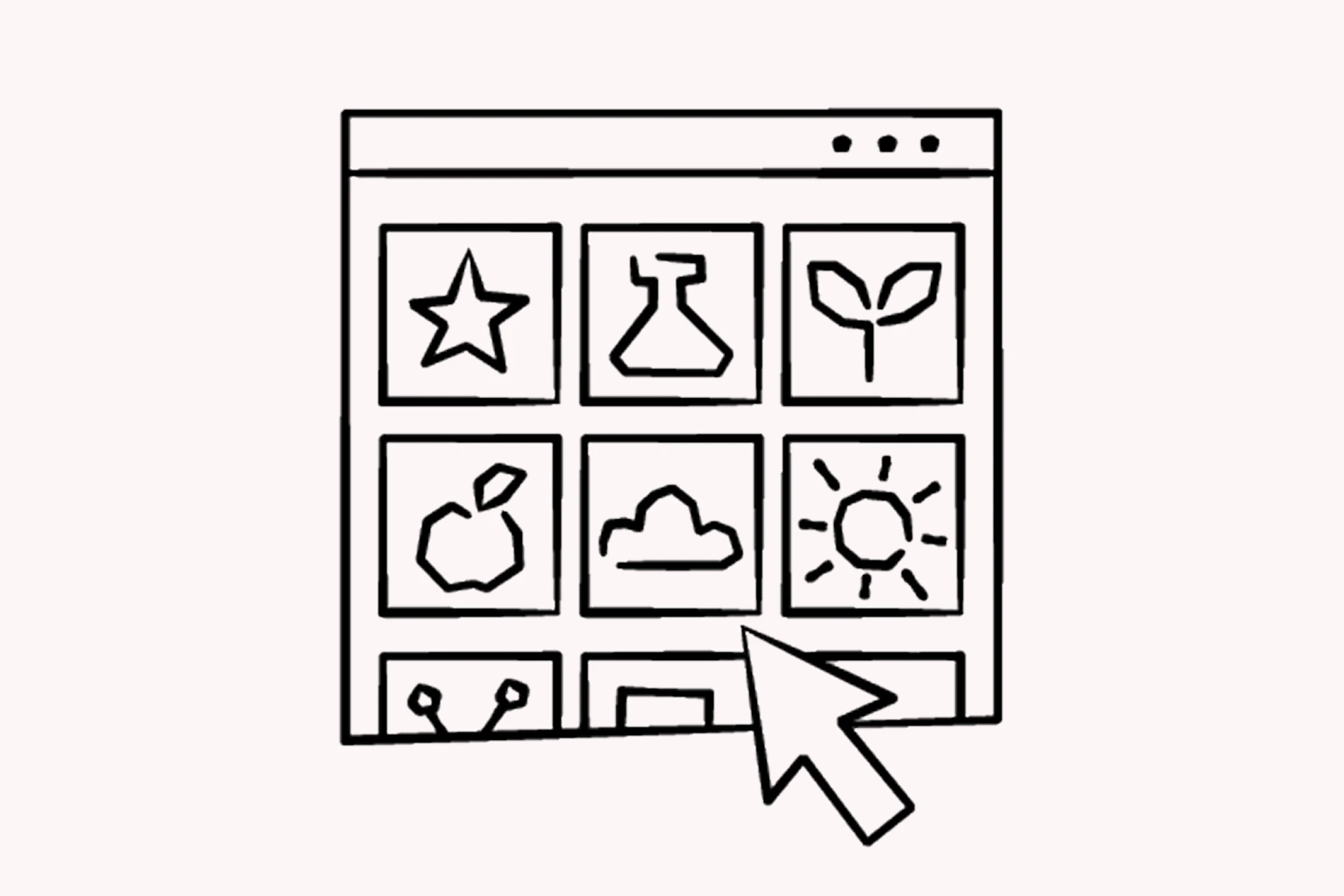
Step 2 — Select one of the standards-aligned lessons
Find lessons across the core science domains: Physical Science, Life Science, Earth and Space Science, and Engineering Design
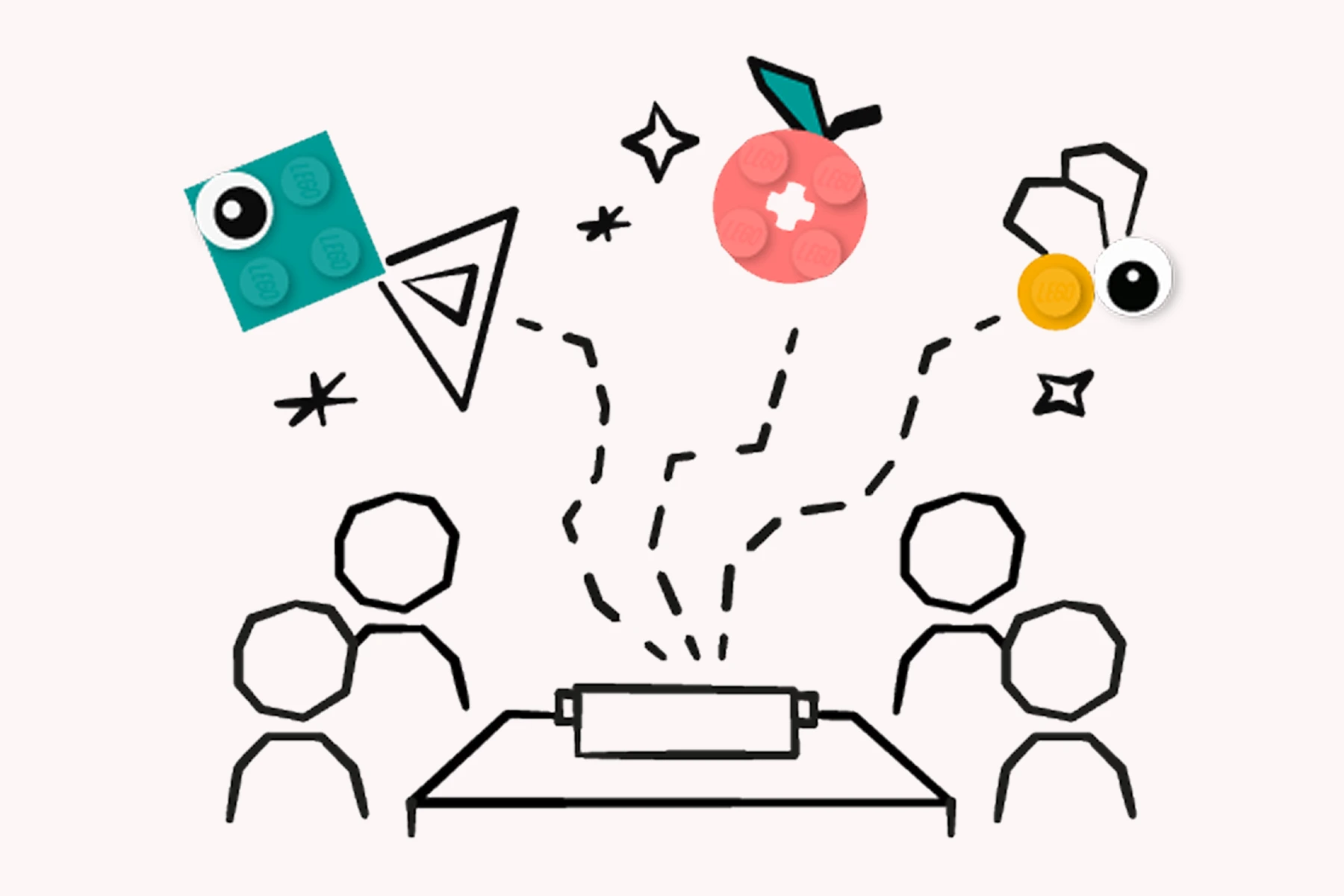
Step 3 — Follow the lesson as students work with the kits
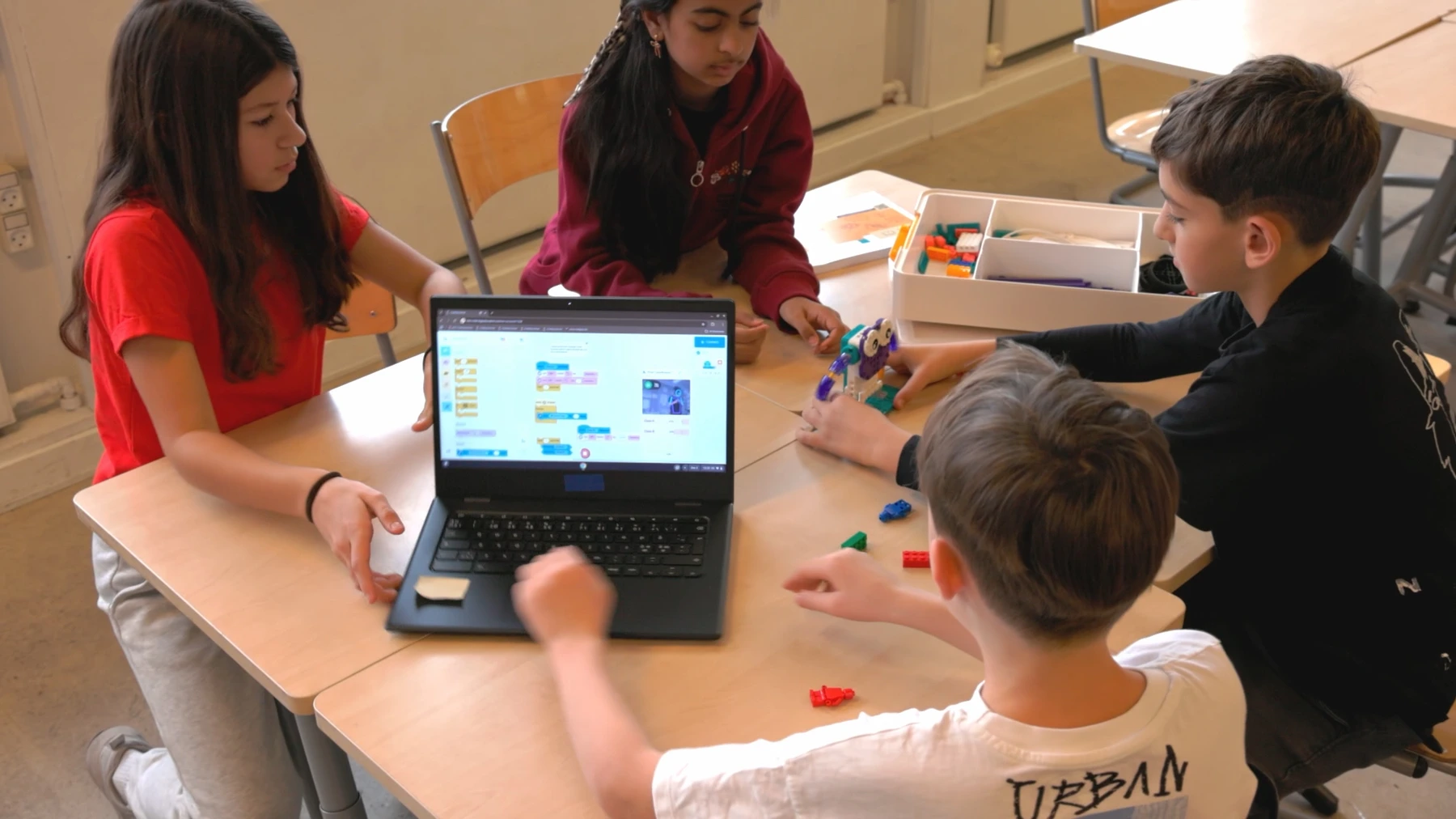
Give the kits to 4-student groups and conduct the lesson using the ready-to-teach presentation, designed with the 5E model for effective learning.
Unit structure
AI & data lesson examples (as shown)
- Monster Maze — Use events with a pretrained AI classifier
- Monster Snack Time — Develop a program that uses a pretrained AI classifier
- Strike a Pose — Create and train a custom AI classifier
- Copy That — Train custom AI classifiers for accuracy
AI & data Design Challenge
Design an interactive story using AI.
FAQs
If your current LEGO® Education products are meeting your learning goals, LEGO® Education will continue to support implementation. If your district/school needs or challenges evolve, LEGO® Education can help reassess how its solutions (including Computer Science & AI) can support your goals.
Can I apply for a grant or a discount?
LEGO® Education states it doesn’t provide funding, but its team can help you look for opportunities and resources to bring LEGO® Education to your school, district, or community.
How do you protect student and data privacy with the AI functionality, especially with students using the camera?
LEGO® Education says Coding Canvas is designed to be safe and secure for students: there’s no student login, everything runs locally on the student device, and no images or personal data are collected by LEGO® Education or any third party. It also states the AI feature does not collect or save images, so images aren’t shared even if students share projects.
What devices do I need to use with the kits, and how will screens be involved?
LEGO® Education says devices are used to enhance learning but aren’t the focus. For some lessons, students need a device (e.g., laptop/Chromebook/iPad) to use the Coding Canvas app, and one device per group of four is sufficient. Some lessons are screen-free. Teachers need an internet-connected computer for the Teacher Portal and a projector/screen to share lessons with the class.
How does this product accommodate students new to computer science as well as more advanced learners?
LEGO® Education says the solution is designed to support all students and teachers: lessons provide an easy entry point with foundational concepts that gradually build understanding, while advanced learners can explore more complex challenges using Coding Canvas. LEGO® Education also mentions inclusive design elements (lesson structure, student roles, visual cues like timers) and facilitation notes to help differentiate instruction so students can find meaning, joy, and success.
How does this compare to free tools for computer science?
LEGO® Education notes free tools can be valuable for individual learning, but positions its approach as collaboration + hands-on learning so students can engage with CS & AI concepts in a tangible way and practice teamwork/problem-solving. It also states a commitment to integrating AI safely and effectively, offering an experience beyond basic coding skills.
Contact Knowledge Hub Dubai
Fill in the form and our LEGO® Education advisors will contact you for a demo, implementation plan, and quote for UAE/GCC schools.